
The Acer Chromebook Spin 714 is the big brother to the Chromebook Spin 514. Packing a 14-inch screen and up to a 12th-Generation Intel Core i7 processor, this laptop has some great specs. However, I hope that Acer can iron out a few of the issues I encountered during my early hands-on time with the device.
Key Features
- 360 degree hinge and touchscreenThe display can rotate 360-degrees and has a touchscreen
- Intel Core Comes with 12th-Generation Intel processors
- Chrome OSRuns on Chrome OS
Introduction
The Acer Chromebook Spin 714 has been designed for both lovers of technology and hybrid workers, which is shown through the next-generation Intel processor and great screen.
The Acer Chromebook Spin 714 joins the Chromebook Spin 514 as the latest entry in the Spin lineup of laptops. Acer claims that this laptop has been developed for hybrid workers and for students, suggesting that it is going to prioritise productivity over intensive workloads.
It’s important to note that this laptop is pre-production, meaning that the unit I tested may not act or perform the same as the models that are released to consumers. This means that any glitches or issues I experienced are not a direct reflection of the final product, though it does give us an indication of the design and look of the final models.
Plus, since I only spent a day with the Acer Chromebook Spin 714, this article is a Hands on and will only focus on the design and specs of the machine, meaning we won’t be dipping into the battery or performance.
Pricing
The Acer Chromebook Spin 714 will retail with a £799.99 starting price and will be available to buy in the UK during the third quarter of the year. We will update this article once we know the pricing for both America and Europe as well as the specific launch date.
Design and screen
- Chassis flexes in a lot
- Build quality leaves something to be desired
- Trackpad feels slow
I really liked the keyboard on this laptop; it was responsive and I managed to work on it for a couple of hours without any issues, even though it suffers from the same issues as the Chromebook Spin 514, as the chassis is much too flexible for my liking.
The very top part of the keyboard can bend it quite severely, and you can generally push down on most parts of the keyboard and have it flex inward without using much force. While I don’t think this massively affected the overall build quality, it made me more cautious when typing than I am on sturdier laptops, such as the Huawei MateBook X Pro (2022).
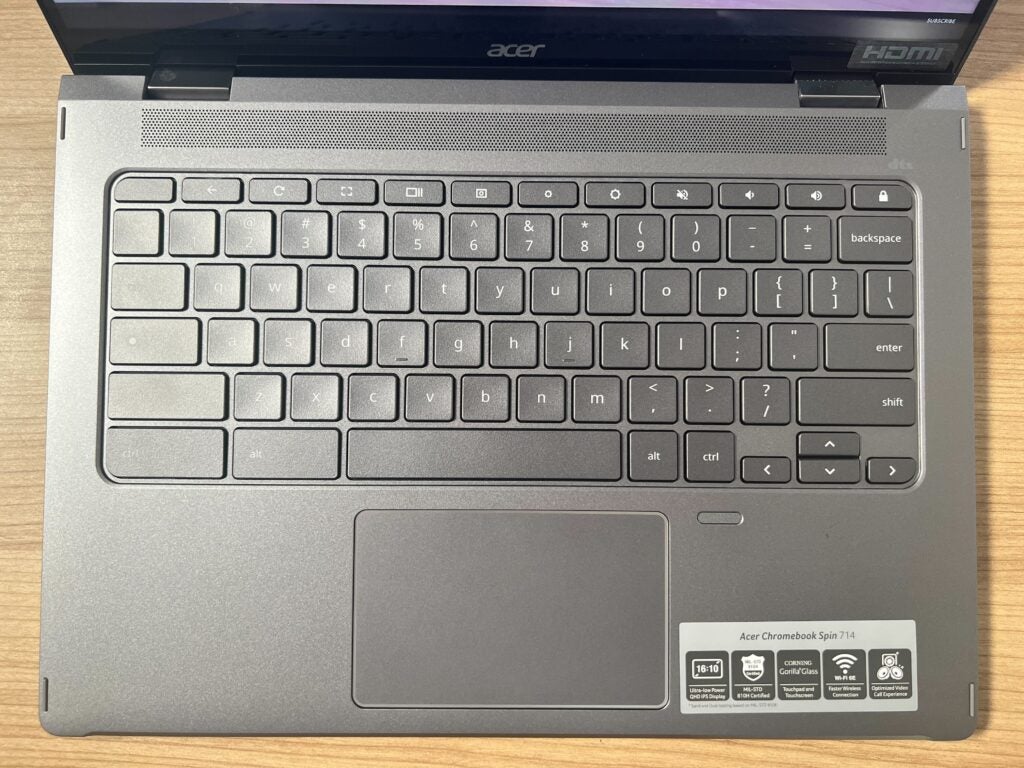
Moreover, I was not a fan of the touchpad, as it did not feel overly responsive, and it felt like the slightest amount of liquid or oil on my finger really disrupted the process. I used it for a few hours to work, and I struggled with pulling tabs over onto one side of the screen or into new windows, resulting in me wishing I was using an external mouse rather than the dedicated touchpad.
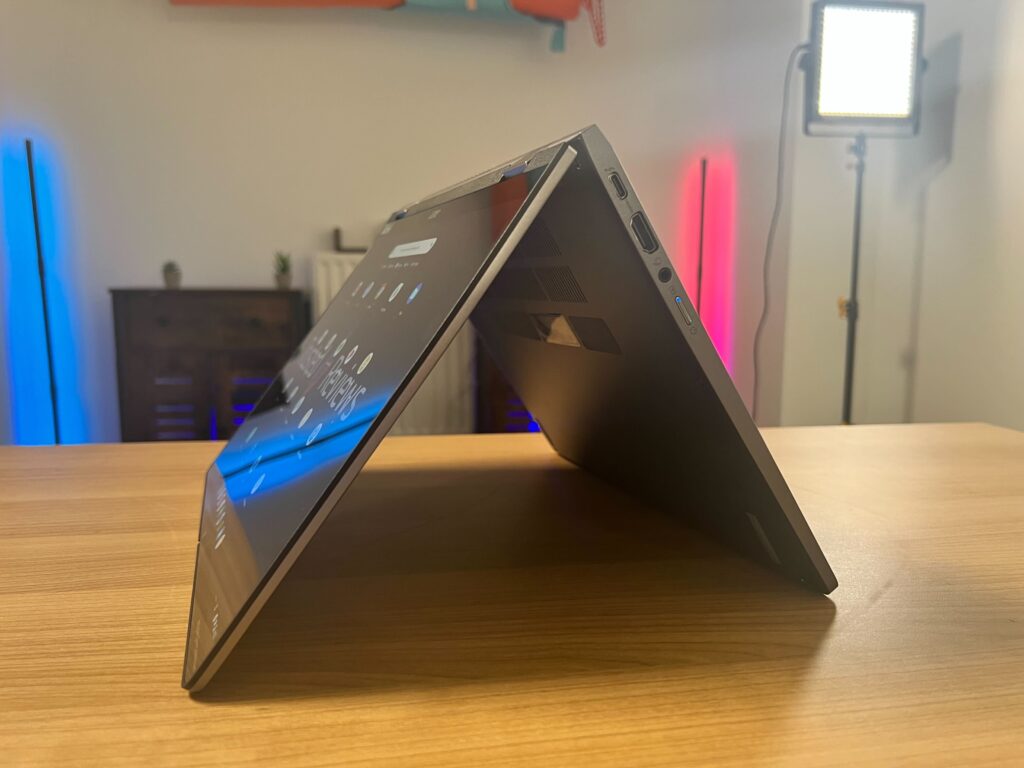
Touching on the look of the machine, the build is very chunky, which I do think dates the laptop overall. Since there are so many ports – two USB-C, USB 2.0, HDMI and 3.5mm audio jack – I understand the reasoning for the thicker style, and it’s more convenient for anyone who will be utilising these ports, but it’s not as sleek-looking as the Dell XPS 13 OLED (2021).
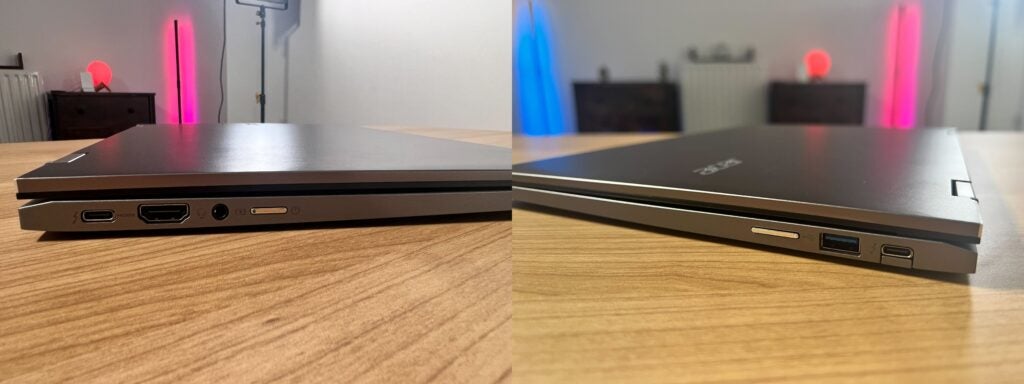
The Chromebook Spin 714 weighs in at 1.4kg, and it was just comfortable enough for me to hold with one hand. While I never got to take it out, I believe it would work well as a portable machine, though I would be mindful of knocking it around as you board a bus or sit on a busy train since the laptop feels slightly flimsy in some areas.
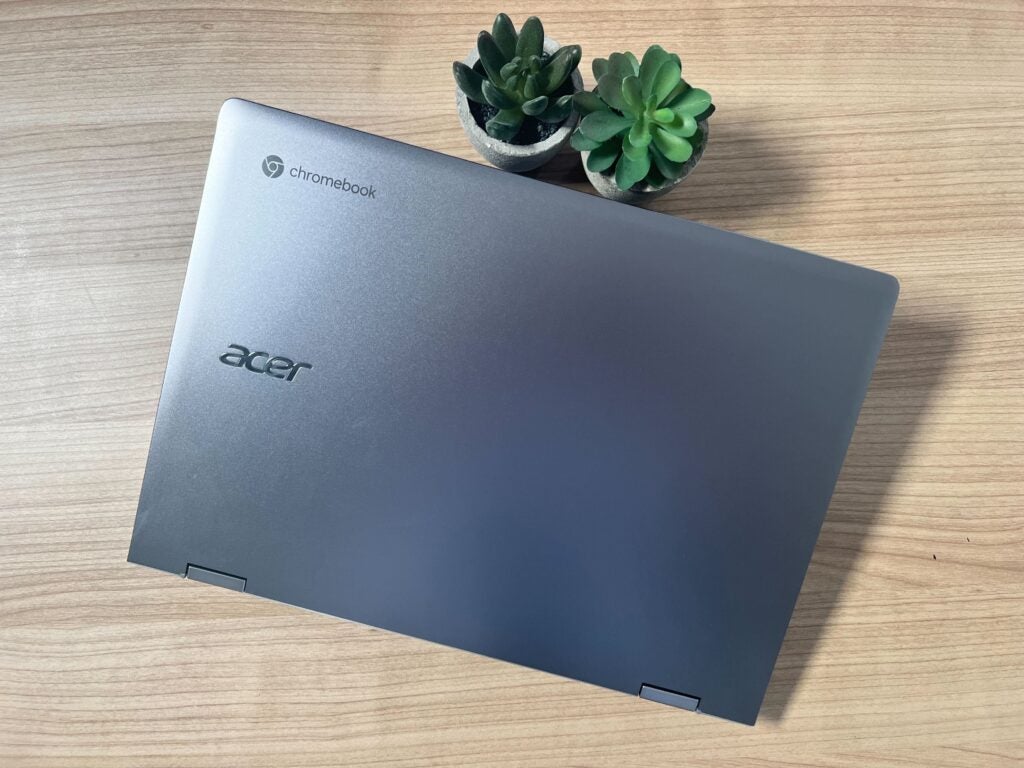
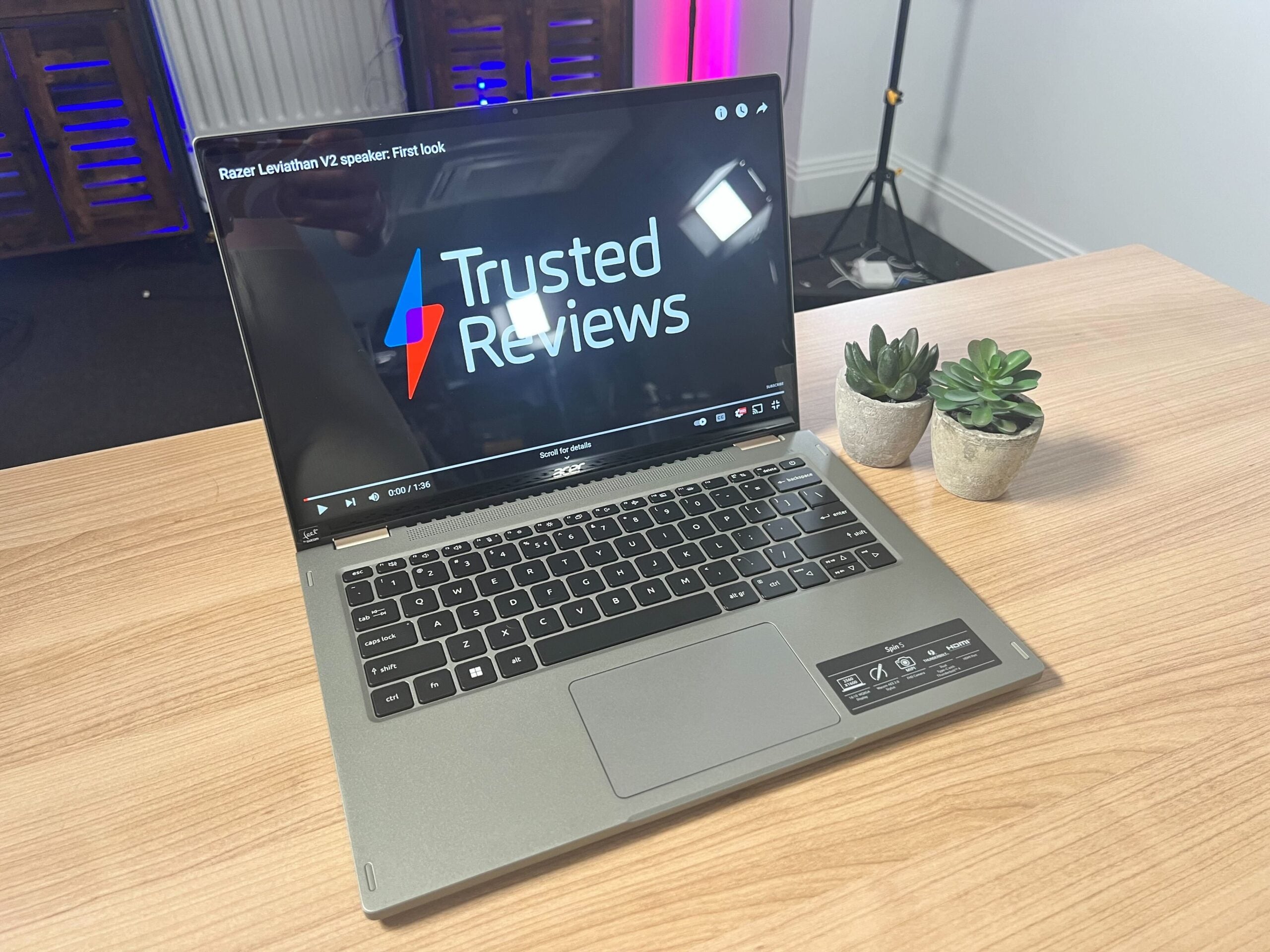
The colour of my unit was a silvery grey, which I think looks fine but also very plain. Compared to the Acer Spin 5, which came in a lovely sage green, the silver laptop just does not stand out and could easily be confused for myriad other laptops at a glance, making me wish it had a little more personality in the overall design.
Screen
- 14-inch screen
- 360-degree hinge
- Touchscreen
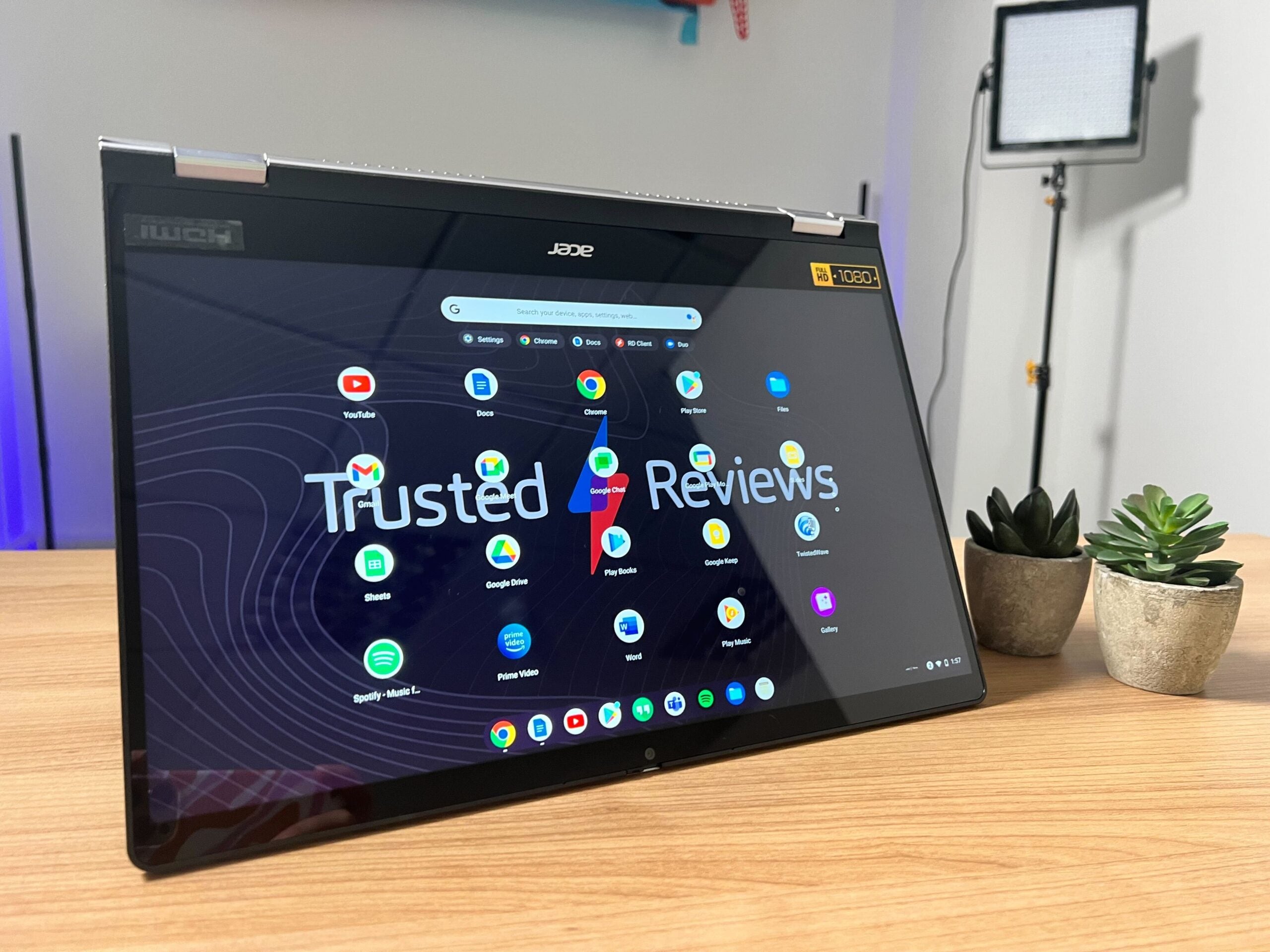
The 14-inch screen has a resolution of 2560 x 1600 and a 16:10 aspect ratio. Starting with what I liked, the brightness was good and the colours seems crisp and vibrant while I watched Rick and Morty on Netflix. The whites and blacks looked accurate and did not have any blue or yellow undertones, and overall watching media looked great on Netflix. The touchscreen was also responsive and worked well with the 360-hinge, as the traditional clamshell shape can be transformed into a tablet.
Unlike the Spin 5, this model does not come with a stylus, though I enjoyed using my finger to scroll through articles and take short notes. Acer also claims that the screen has 100% sRGB accuracy, though we were not able to test these claims due to time constraints. We’ll do this when we get the final retail version in for review.
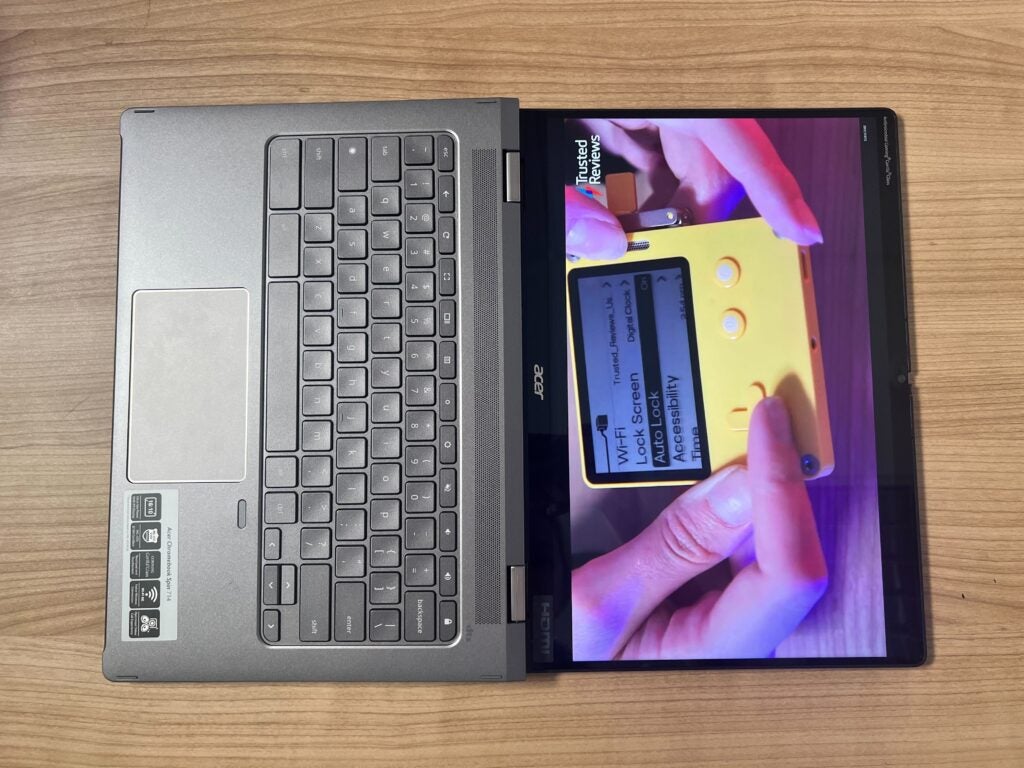
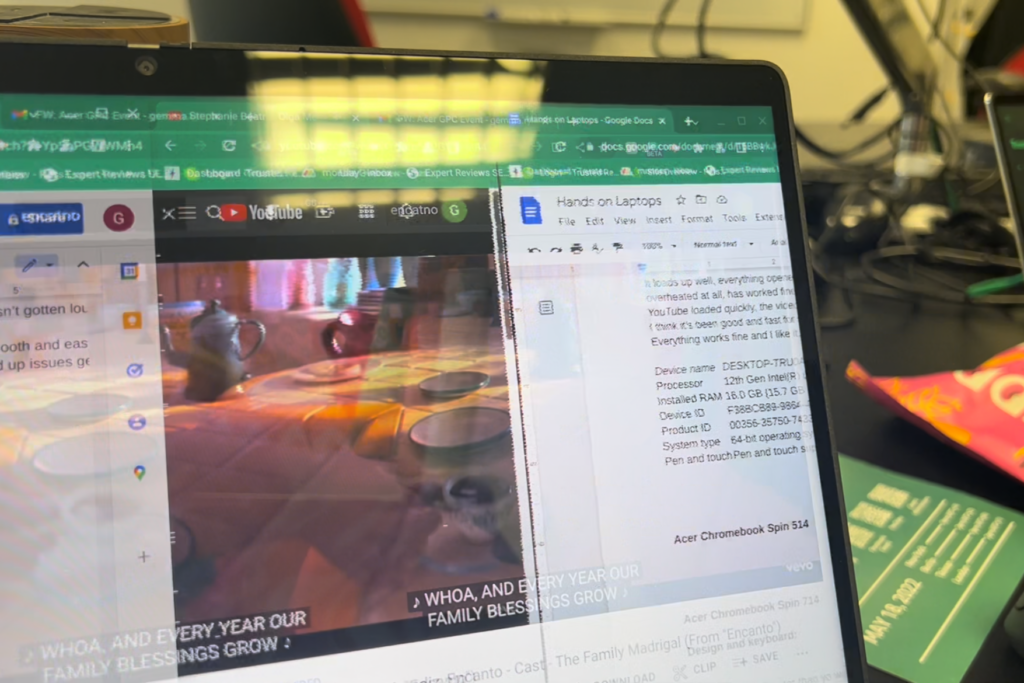
I also could work with several tabs open at once thanks to the 16:10 display, and I only encountered one issue while browsing the web: when YouTube and another tab were open at the same time, the screen would glitch and tear quite severely, despite not going this when Netflix was on screen. This could be due to the fact that this is a pre-production model, though I would be wary if you enjoy watching YouTube on your screen as you work.
Performance
- 12th-Generation Intel processor
- Some glitching when YouTube was open
- Intel Iris Xe graphics
Since this is a Hands on, I can’t make any definitive comments on the performance of the Chromebook Spin 714, but I can run through the specs.
This laptop comes in four different flavours: Intel Core i7-1260P, Intel Core i7-1265U, Intel Core i7-1215U and Intel Core i5-1235U. You can get up to 16GB LPDDR4X RAM and up to 512GB storage using the Gen 4 SSD.
These specs line up with what I would expect for a productivity device though I don’t believe it will be capable of high-intensity tasks such as 4K video editing or 3D rendering, which means that you should only really consider the Chromebook Spin 714 if you’re looking for a work or educational device.
Acer also did not mention what the battery looks like for this laptop, but did claim that it can last up to 10 hours. Once again, we’ll test this claim when we get the final version in for review.
First Impressions
The Acer Chromebook Spin 714 seems to be a reasonably priced laptop that would work well for most people that are in education or want to browse the web, send emails and write up documents. Other than the YouTube glitching issue, I loved the screen and I would imagine that those sorts of issues will be ironed out before it is properly released, meaning that it could also be a great device for binging Netflix.
I also hope that Acer can fix the issues with the flexible chassis, as I think it may put people off using it as a portable or hybrid device, which is supposed to be its primary use case.
Acer Chromebook Spin 714 specs
You can see a full breakdown of the laptop’s known specs and how they compare to Acer’s other new laptops in the table below.
You might like…
The post Acer Chromebook Spin 714 appeared first on Trusted Reviews.
Commentaires
Enregistrer un commentaire